Qwen-Image-2.1, whose official repository marks its release on September 20, 2026, combines text-to-image generation and image editing, including native transparent RGBA images. Its weights are downloadable, but the Qwen Research License limits the published grant to non-commercial research or evaluation and requires a separate commercial license for commercial use of the model materials. A separate September 21 Qwen Developers post was reported to address rights in generated outputs; it does not clearly answer whether operating the local weights in a commercial generation workflow is permitted. Current Alibaba Model Studio image listings also do not show a qwen-image-2.1 API model ID.
That makes 2.1 a useful candidate for a carefully scoped local evaluation, but not a model you should treat as commercially cleared or as an available hosted API. This guide separates the documented image workflow from the unresolved commercial-use boundary. It is a different model and task from the Qwen3.8-Flash-Next local-versus-hosted guide.
What Qwen-Image-2.1 adds
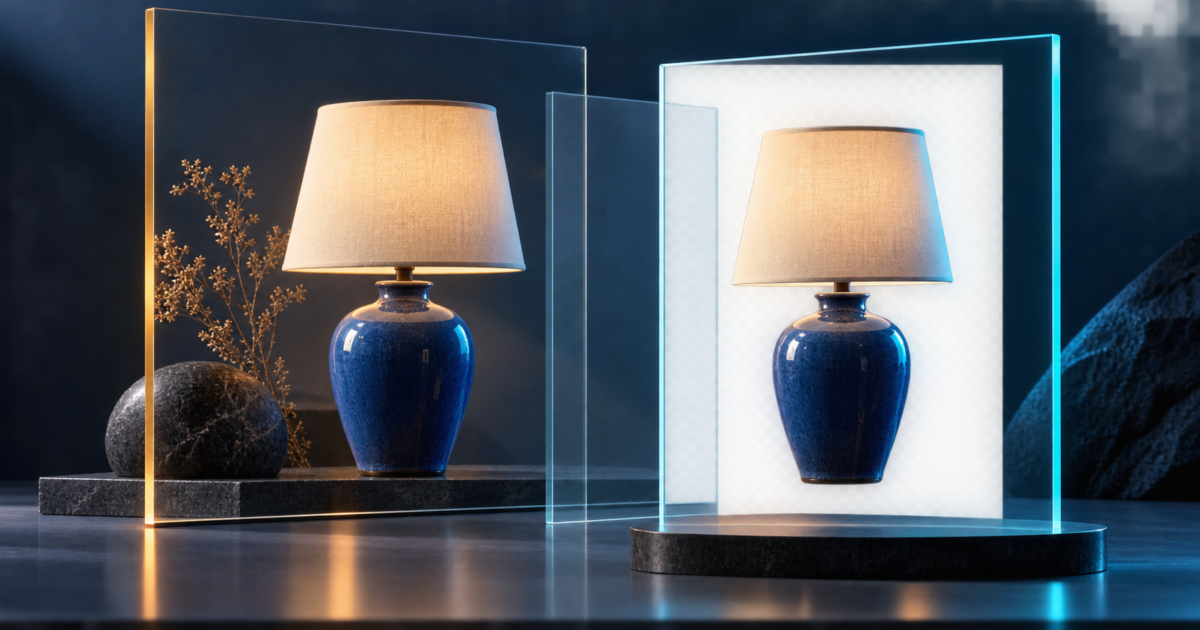
Qwen describes one model for generation and editing rather than separate generation and edit checkpoints. The directly readable official README documents transparent-image generation, editing transparent layers, subject extraction, and multi-reference composition. It says the Diffusers workflow supports up to 10 reference images and local edits using circles, painted annotations, or masks. These are provider-documented capabilities, not independent quality results.
The model-size shorthand also needs care. Qwen describes a 7-billion-parameter visual generation component, while the README separately identifies a Qwen3-VL 8B text-and-vision encoder. The 7B figure alone is not a complete hardware or memory requirement. Qwen’s public setup does not give one guaranteed minimum GPU memory figure for every runtime, resolution, and precision.
For transparency, the useful test is the file’s alpha channel, not a checkerboard shown in a preview. For editing, test whether the unchanged parts of a reference stay intact. For multi-reference scenes, try several distinct inputs and check which people, products, or visual details drift. Qwen’s claims about identity preservation and improved text rendering should be checked on the images and languages your own task needs.
Run the documented local example
The Qwen repository’s quick start uses Hugging Face Diffusers. It lists PyTorch 2.4 or later, Transformers 5.17 or later, the current Diffusers Git repository, Accelerate, and Pillow. Use an isolated Python environment and install a PyTorch build that matches your device; the example below uses CUDA and bfloat16. The commands and code follow Qwen’s documentation and have not been executed for this guide.
python -m pip install "torch>=2.4.0" "transformers>=5.17"
python -m pip install git+https://github.com/huggingface/diffusers
python -m pip install accelerate pillow
For a transparent asset, Qwen recommends explicitly asking for an RGBA image and a transparent background. Save as PNG, then inspect the alpha channel in an image editor before placing the result into a design.
import torch
from diffusers import QwenImage21Pipeline

pipe = QwenImage21Pipeline.from_pretrained(
    "Qwen/Qwen-Image-2.1",
    torch_dtype=torch.bfloat16,
).to("cuda")

image = pipe(
    prompt=(
        "This is an RGBA image with transparency. "
        "A blue ceramic desk lamp, clean product cutout. "
        "The image has alpha channel and the background is transparent."
    ),
    num_inference_steps=40,
    generator=torch.Generator("cuda").manual_seed(42),
).images[0]

image.save("transparent-example.png")
The repository says the returned image is saved as RGBA when the model generates transparency. Confirm that the saved PNG actually contains transparency; a checkerboard baked into an ordinary RGB image will not behave like an alpha channel.
Image editing uses the same pipeline with an input image and an editing instruction. The official single-image example passes the loaded image as image=input_image; the multi-reference example passes a list. Keep the original file and compare the output side by side so accidental changes to product details, people, or text are visible.
Qwen also documents day-one ComfyUI support and links to separate text-to-image and editing workflows in the official repository. Check that your installed ComfyUI version exposes the matching model workflow and that the model files you download come from the intended source. A working ComfyUI graph proves that the workflow loads; it does not grant commercial rights to the model.
What early local reports do—and do not—show
Early community reports use different hardware and settings, so their timings are not a fair speed comparison. One r/StableDiffusion tester described a 2-megapixel, 40-step H100 run and reported roughly 45–50 seconds per image, alongside mixed opinions about realistic images. An r/Applesilicon user reported a warm 1024-pixel run on an M5 Pro using ComfyUI and MPS, and advised checking the alpha edges. These are individual configurations, not expected timings or independent quality benchmarks.
If you evaluate it, record the repository revision, runtime, device, precision, resolution, steps, seed, prompt, and input references. Try the same small set of tasks across several seeds: a transparent cutout, a localized edit, a multi-reference scene, and text that must be exact. Measure memory and time on your hardware; do not convert another user’s one-machine timing into a GPU requirement.
Read the model license separately from output statements
The Hugging Face model card tags the checkpoint qwen-research, and the repository includes the full Qwen Research License dated September 20, 2026. Section 1(i) defines “Non-Commercial” as research or evaluation. Section 2(a) grants rights in the model materials for non-commercial purposes only; section 2(b) says commercial use of those materials requires a separate commercial license. The agreement defines the materials to include the Qwen model, weights, code, and documentation.
An indexed result for Qwen’s official launch page uses an “open-source” characterization, but the page did not return parseable text in this review. The published weight license is the actionable document for the rights granted by the released materials. Publicly downloadable weights are not the same as a commercial-use grant. For commercial deployment of the weights, the license directs readers to request a separate license from model-business@notice.qwencloud.com.
A separate Qwen Developers post dated September 21 is reported to say that generated outputs are outside the licensed materials and that users retain rights to generated content. The linked post could not be retrieved directly during this research pass; its wording appears in secondary search and community references. Treat it as a reported output-rights clarification, not as a replacement for the Sep20 license text. It does not clearly answer whether using the local weights to generate images for a commercial pipeline is itself commercial use of the licensed materials.
So keep two questions separate: the written weight license restricts commercial use of the model materials; a later public statement reportedly addresses rights in generated outputs. Do not infer that the second statement clears commercial self-hosting or a paid image-generation service. Before using the local checkpoint in a commercial workflow, ask Qwen for written terms covering that exact workflow.
Is there a hosted Qwen-Image-2.1 API?
As checked on September 23, the current Alibaba Cloud Model Studio image model list and pricing page show Qwen Image 2.0 and 3.0 models and other image endpoints, but not the exact qwen-image-2.1 model ID. The Hugging Face card also says that the checkpoint is not deployed by an Inference Provider. This check does not rule out a private preview or a third-party service; it means I could not verify a supported official hosted endpoint, API price, or API-specific terms for 2.1.
Do not copy an endpoint, price, quota, or terms from Qwen Image 2.0 or 3.0 and assume they apply to 2.1. Alibaba Cloud’s Model Studio service-specific terms separately say content generated through model trials is for evaluating model performance and not for other uses, including commercial use. That trial clause is not evidence that a Qwen-Image-2.1 API exists or a model-specific paid-service license has been published.
If you need a hosted model today, verify its exact model ID in the provider’s current catalog, then read the service terms, price, region, input-data handling, and output rules for that endpoint. Qwen’s other model families have separate access decisions; the linked Qwen3.8-Flash-Next guide covers a language-model local-versus-hosted workflow, not an image API alternative.
A practical decision checklist
- Research or evaluation: use the published local instructions, read the Qwen Research License, and record your exact runtime and test settings.
- Commercially operated local model: do not treat the public weights as commercially cleared; obtain written terms for the intended deployment.
- Commercial use of generated images: the QwenDevs output statement is separate from the license and does not clearly resolve whether the commercial inference workflow itself is allowed. Ask Qwen rather than inferring a blanket permission.
- Hosted API: confirm the exact
qwen-image-2.1ID and its own terms before sending prompts or images. The current checked Model Studio lists do not establish that endpoint. - Transparent assets: verify the saved PNG’s alpha channel and inspect edge quality at the final size; a visual preview alone is insufficient.
Sources and scope
The release date, feature claims, and setup details are supported by the official Qwen repository README and model card. The Qwen launch-post entry is dated September 20 in search results, but its page did not return parseable text during this review. License terms were checked in the repository LICENSE. Alibaba Cloud Model Studio model/pricing pages and service-specific terms were also reviewed. User posts are individual reports with different hardware and settings. No local generation, benchmark, or live API request was run for this guide. Recheck the primary sources before deployment.